
Header
A top bar with the title of the page.
Documentation
Ready-made pieces of a screen, dropped in one go.
A section is a piece of screen already built from the widgets of the previous page. Once dropped it is just widgets: you edit it like anything else.
A top bar with the title of the page.
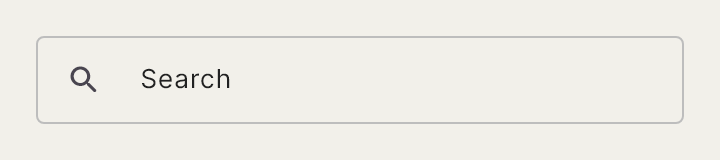
A search bar with its icon.

A list of rows separated by a hairline, to edit as you like.
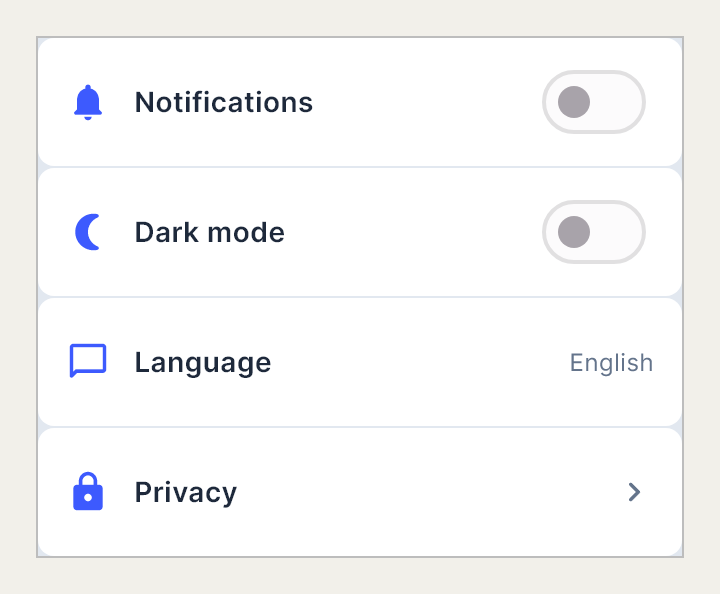
A list of settings: switches, a language and privacy.

A ready-made card: photo, title, description and a button.
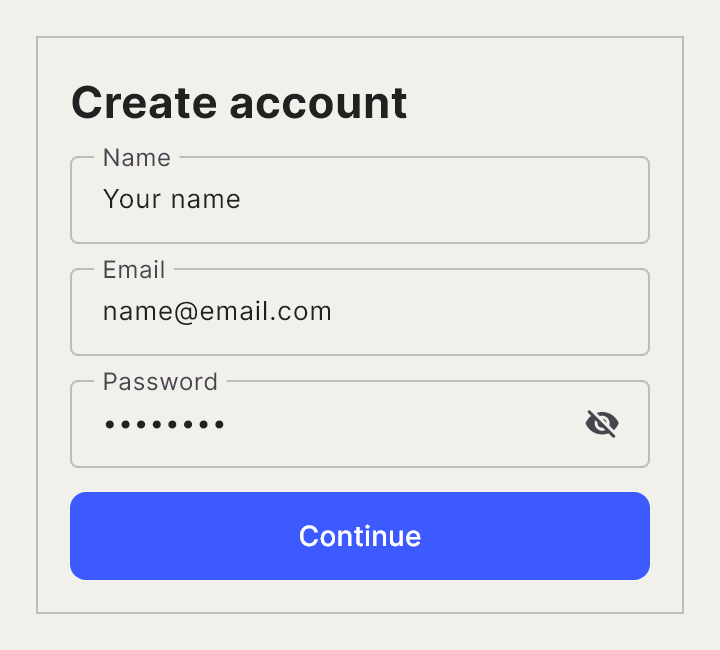
A form with name, email, password and the continue button.

A person's profile: avatar, name, occupation and an edit button.

What is shown when there is nothing yet: an icon, a text and a button.

A circular progress gauge inside a card.

A card with a gauge and its name.

A product card: photo, name, price and rating.
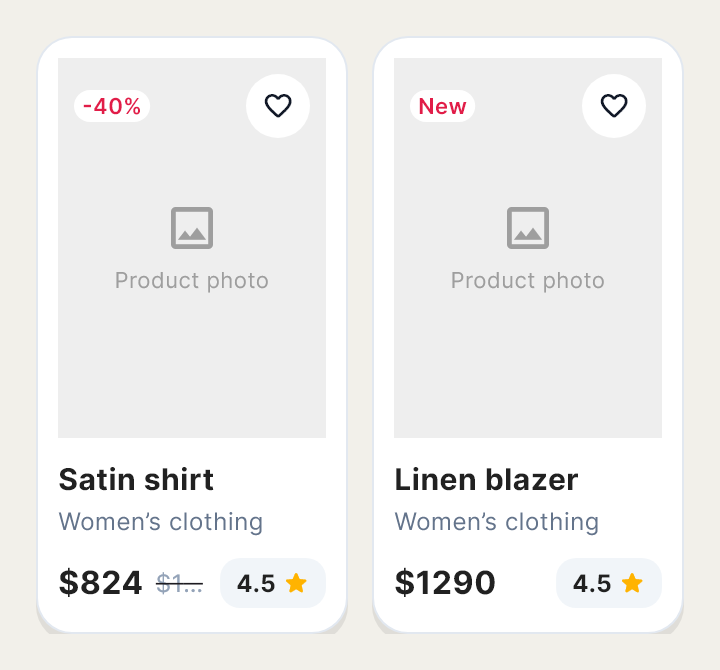
A grid of product cards, two across.

A row of categories to filter by.
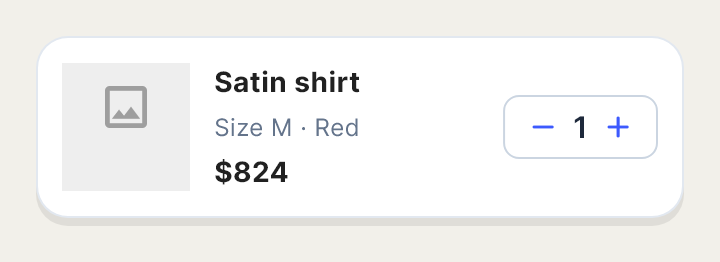
A cart item: photo, name, detail, price and quantity.

An order summary: subtotal, shipping, discount, total and the checkout button.

The bottom bar with the price and the add to cart button.

An assistant composer: a text field and a send button.
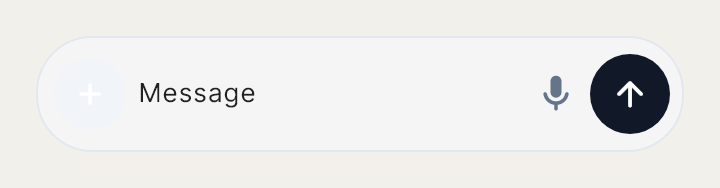
A bar to write messages, with its text field and buttons.

The person's message in a conversation with an assistant.

An assistant's reply.

The indicator that someone is typing.
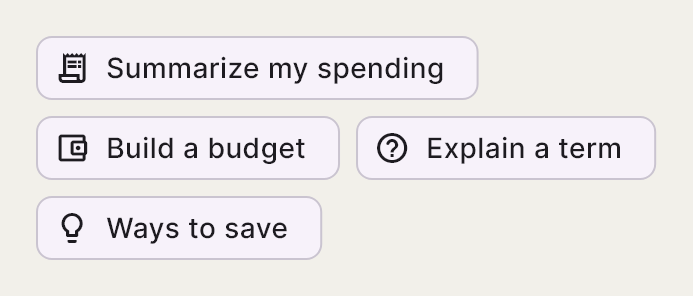
Suggestions of what you can ask.

A whole conversation with messages back and forth.

The header of a chat, with the person's name.

The list of recent conversations.

A received message.

A sent message.

A voice message with its play button and its length.

The date separator between messages.

The message bar fixed at the bottom: a text field with buttons.

A row of stories, with their circles.
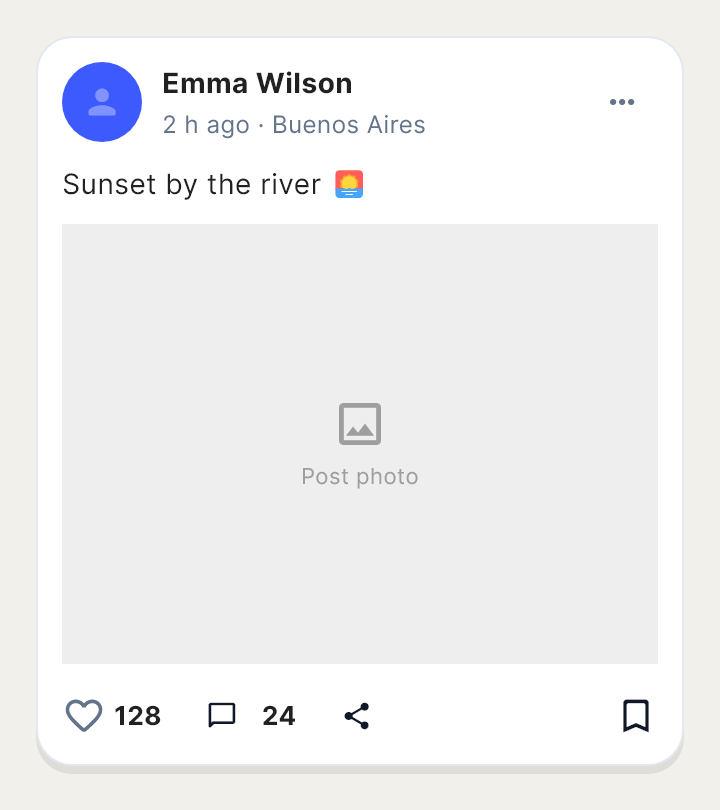
A post: author, photo, actions and text.

A comment with its author.

A bottom sheet with a product's detail.

A bottom sheet with a music player.

A bottom sheet with a place's information.