Draft ES — versión en español Download for Windows

Documentation

Templates

Complete screens to start from, made of the same pieces.

A template is a whole page you start from. It is made of the same widgets and sections, so you can change everything on it. The blank one is an empty canvas.

The template "Sign in" as Draft draws it on a phone.

Sign in

Email, password, Google and Apple sign-in
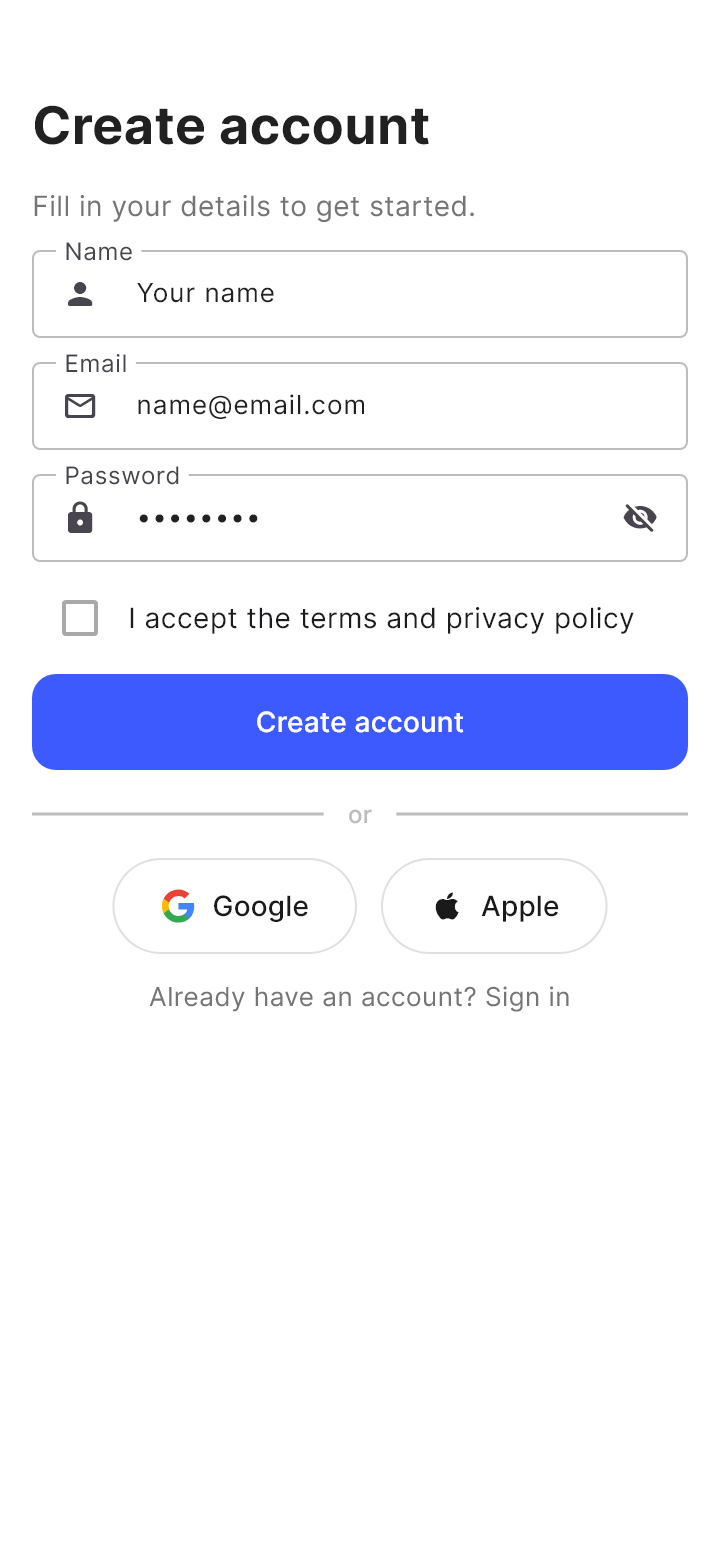
The template "Sign up" as Draft draws it on a phone.

Sign up

Create an account with terms and social sign-in

The template "Dashboard" as Draft draws it on a phone.

Dashboard

Metrics, gauge and recent activity

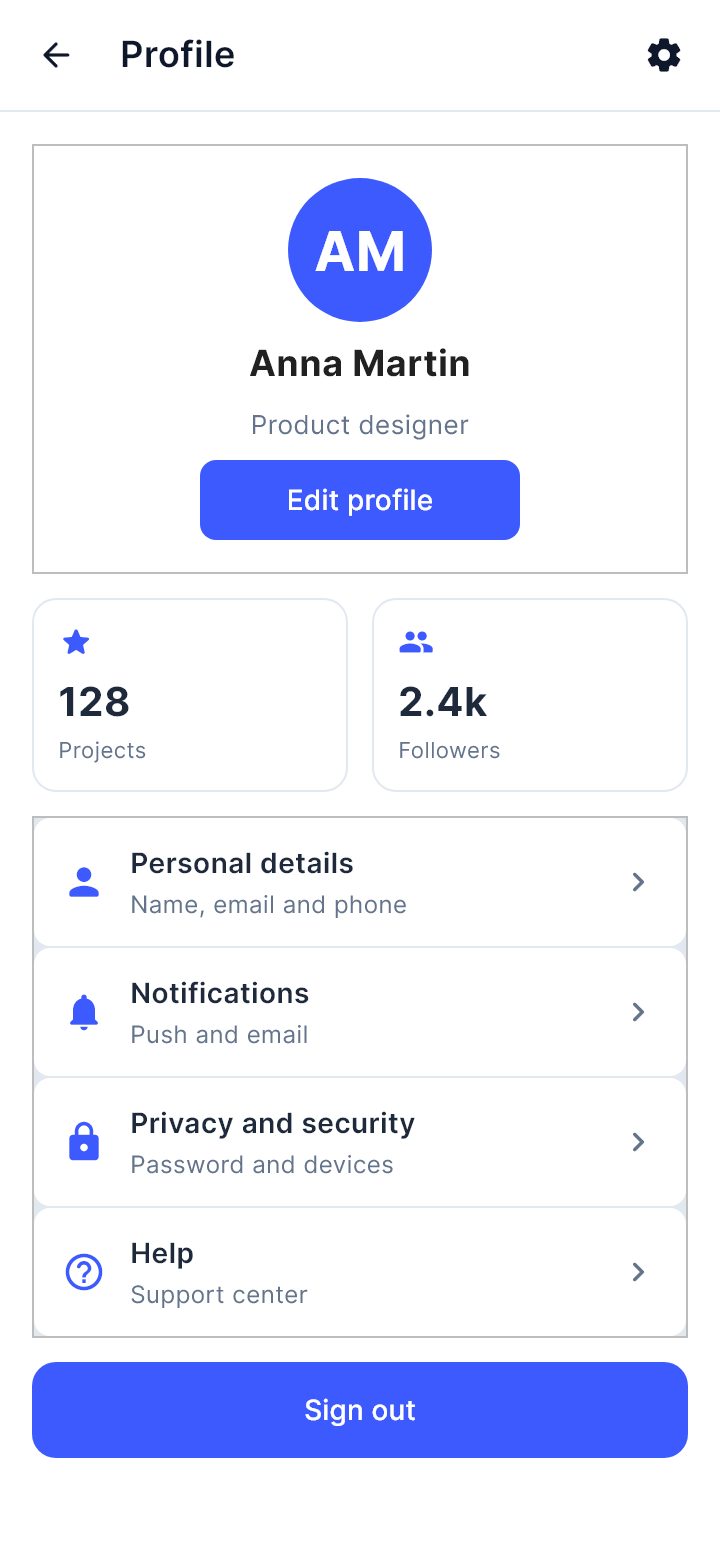
The template "Profile" as Draft draws it on a phone.

Profile

Avatar, stats and account options

The template "Settings" as Draft draws it on a phone.

Settings

Switches, preferences and account

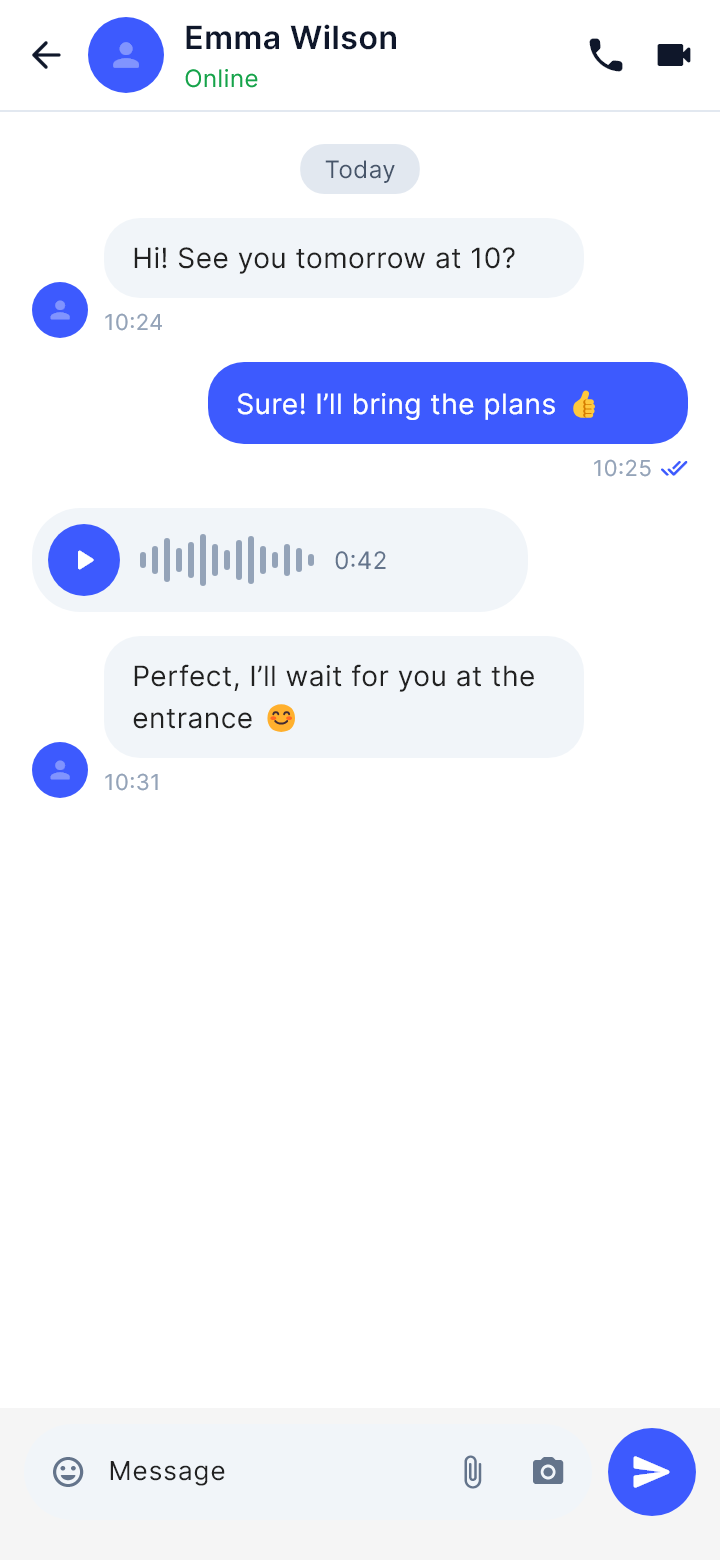
The template "Conversation" as Draft draws it on a phone.

Conversation

Chat with a contact: messages, voice note and text bar

The template "Chat list" as Draft draws it on a phone.

Chat list

Search, stories and recent conversations
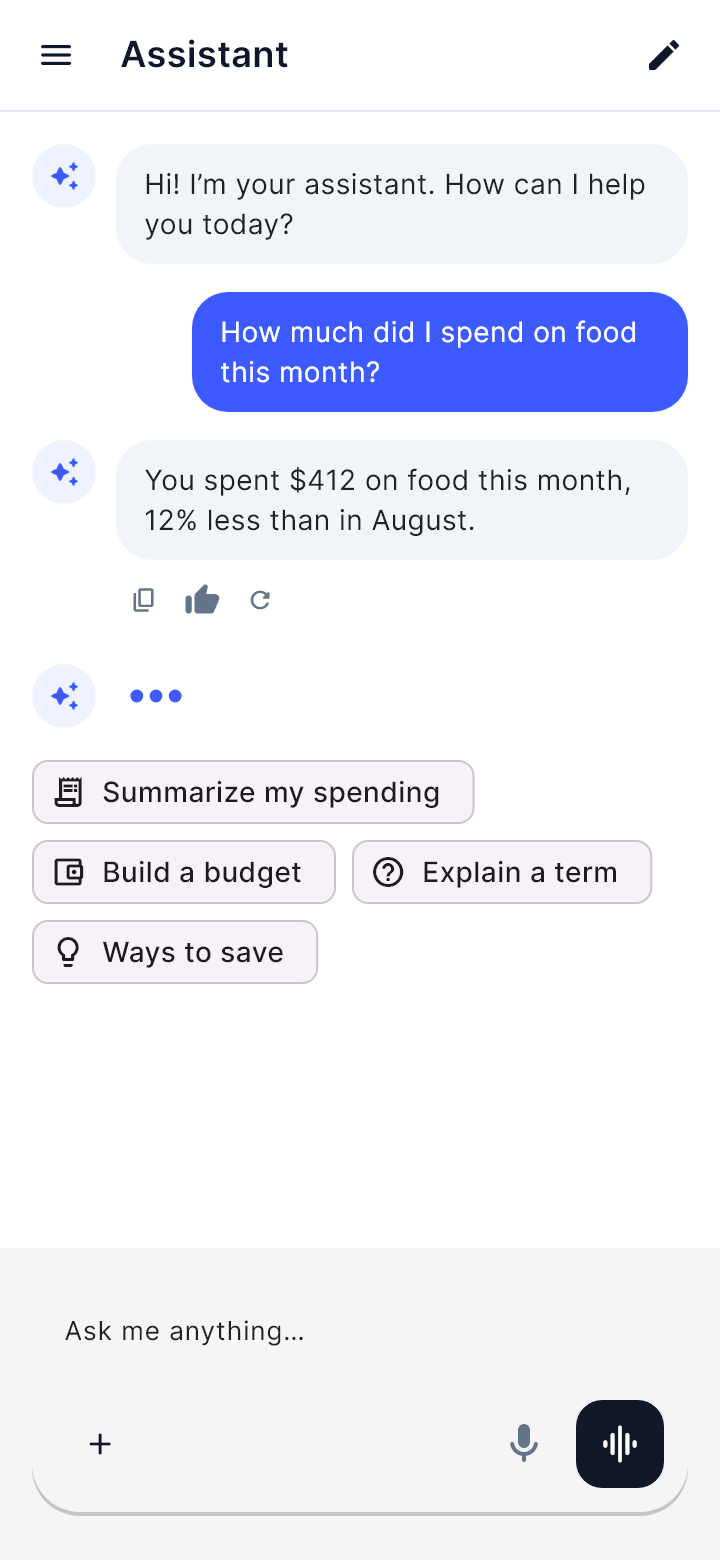
The template "AI assistant" as Draft draws it on a phone.

AI assistant

Conversation with an assistant, suggestions and composer
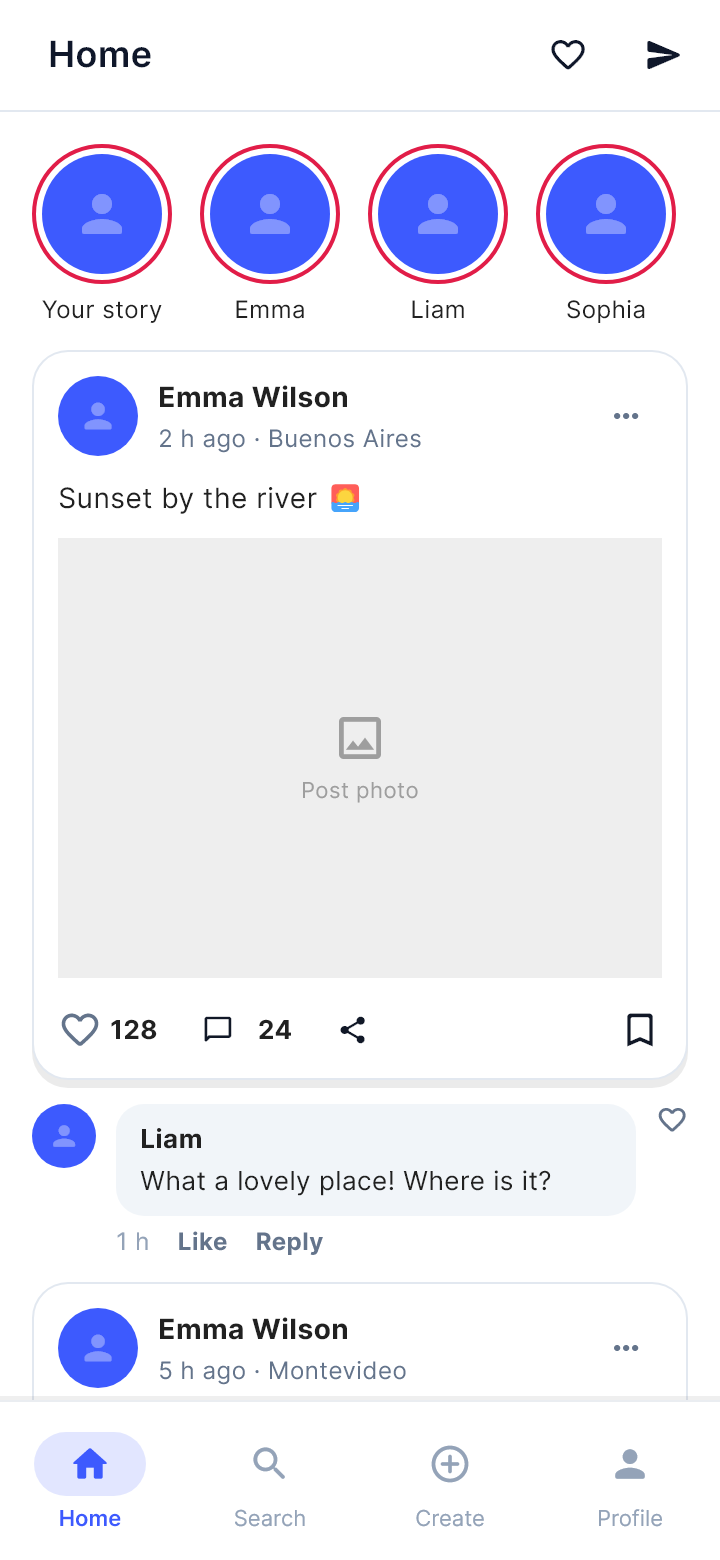
The template "Social feed" as Draft draws it on a phone.

Social feed

Stories, posts and comments

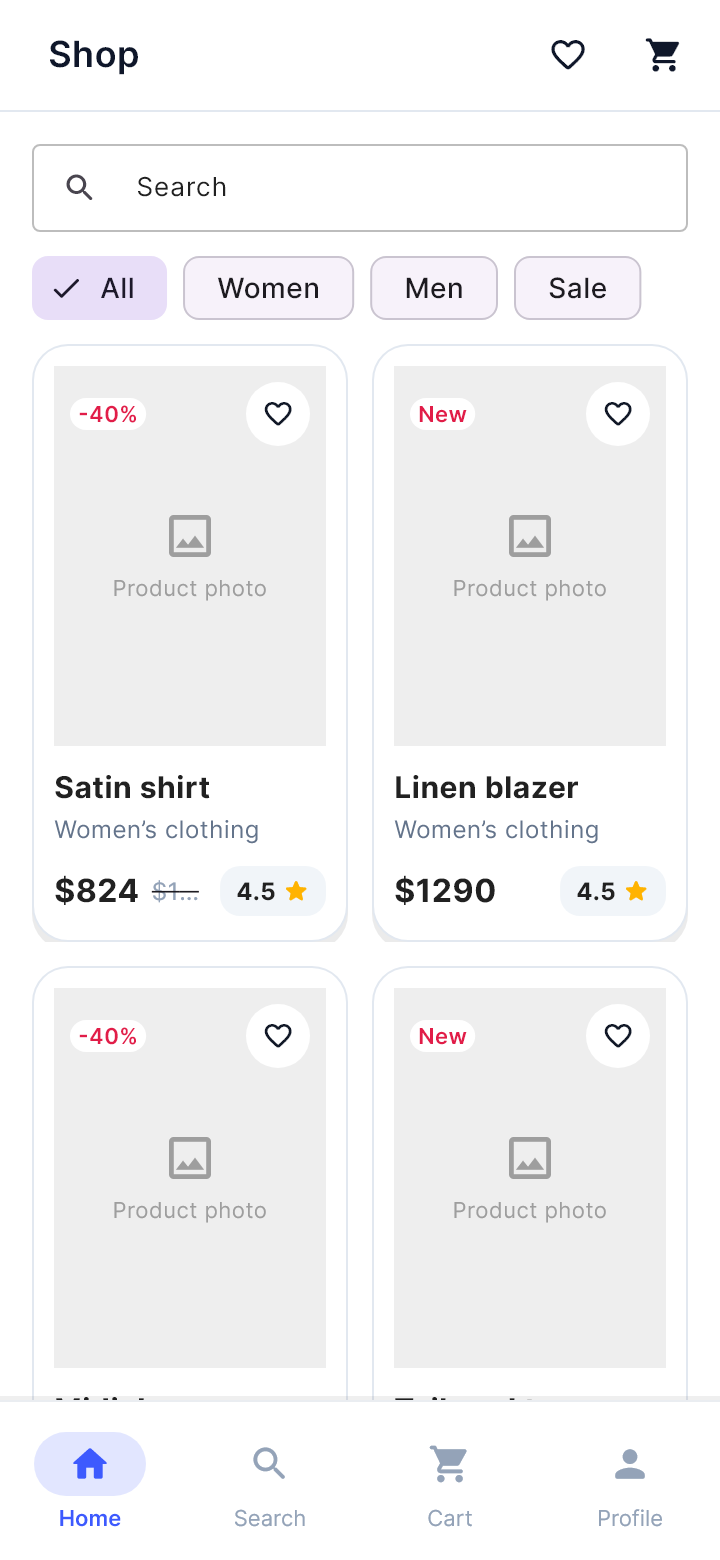
The template "Shop" as Draft draws it on a phone.

Shop

Search, categories and product grid

The template "Product detail" as Draft draws it on a phone.

Product detail

Photo, rating, description and add to cart
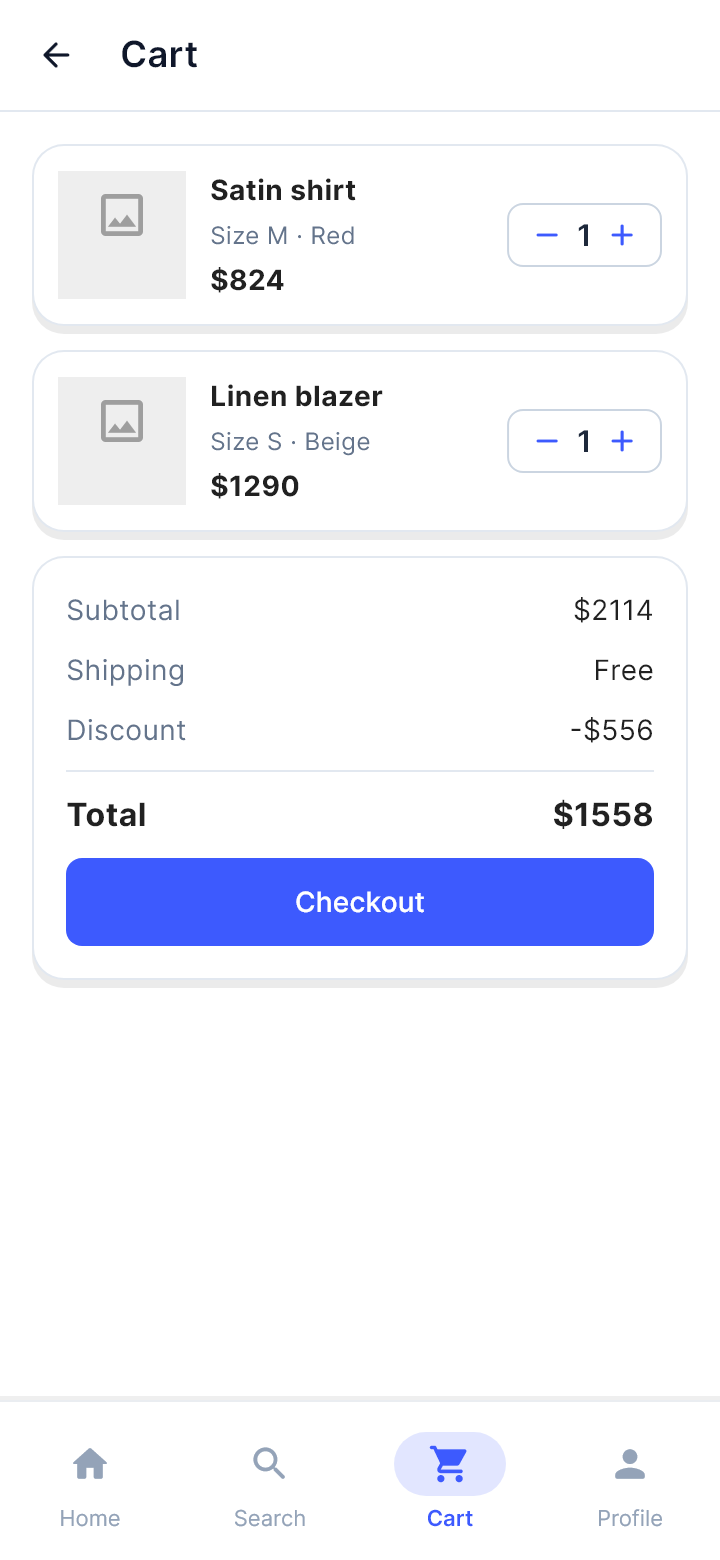
The template "Cart" as Draft draws it on a phone.

Cart

Items, quantities and order summary

The template "Calendar" as Draft draws it on a phone.

Calendar

Month view and today's events

The template "List" as Draft draws it on a phone.

List

Search, filters and item lists

The template "Landing" as Draft draws it on a phone.

Landing

Headline, value proposition and call to action